NewTech
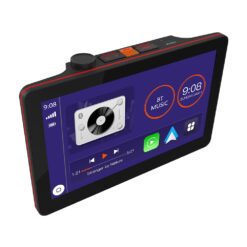
CAR10TC Car Stereo – The Next Generation in Car Audio
$419.99
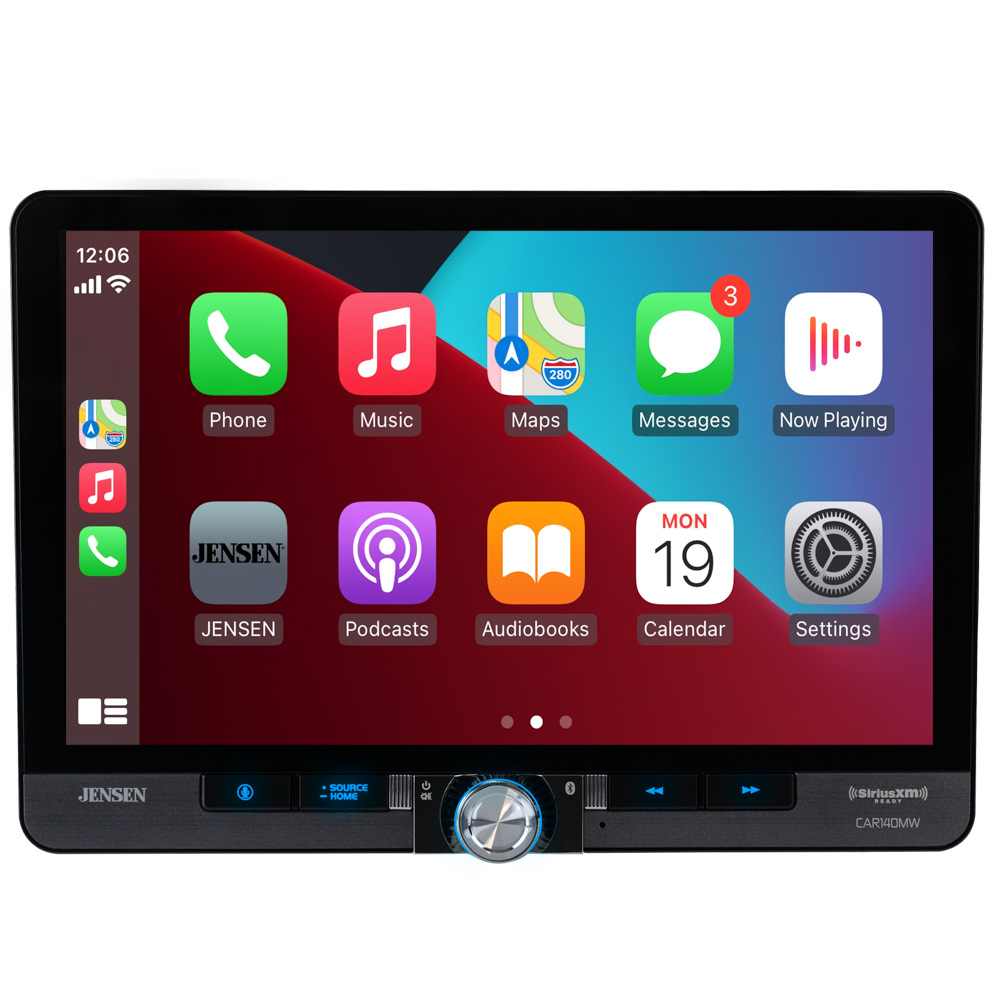
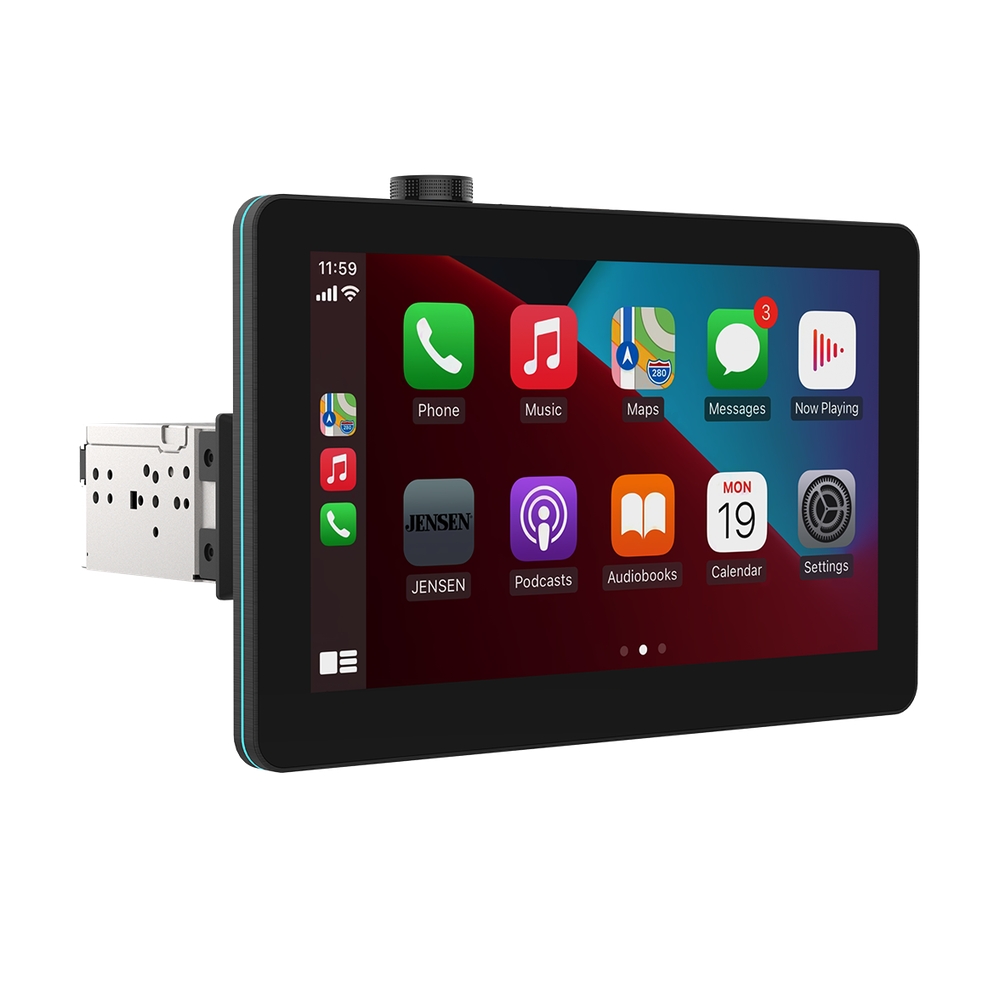
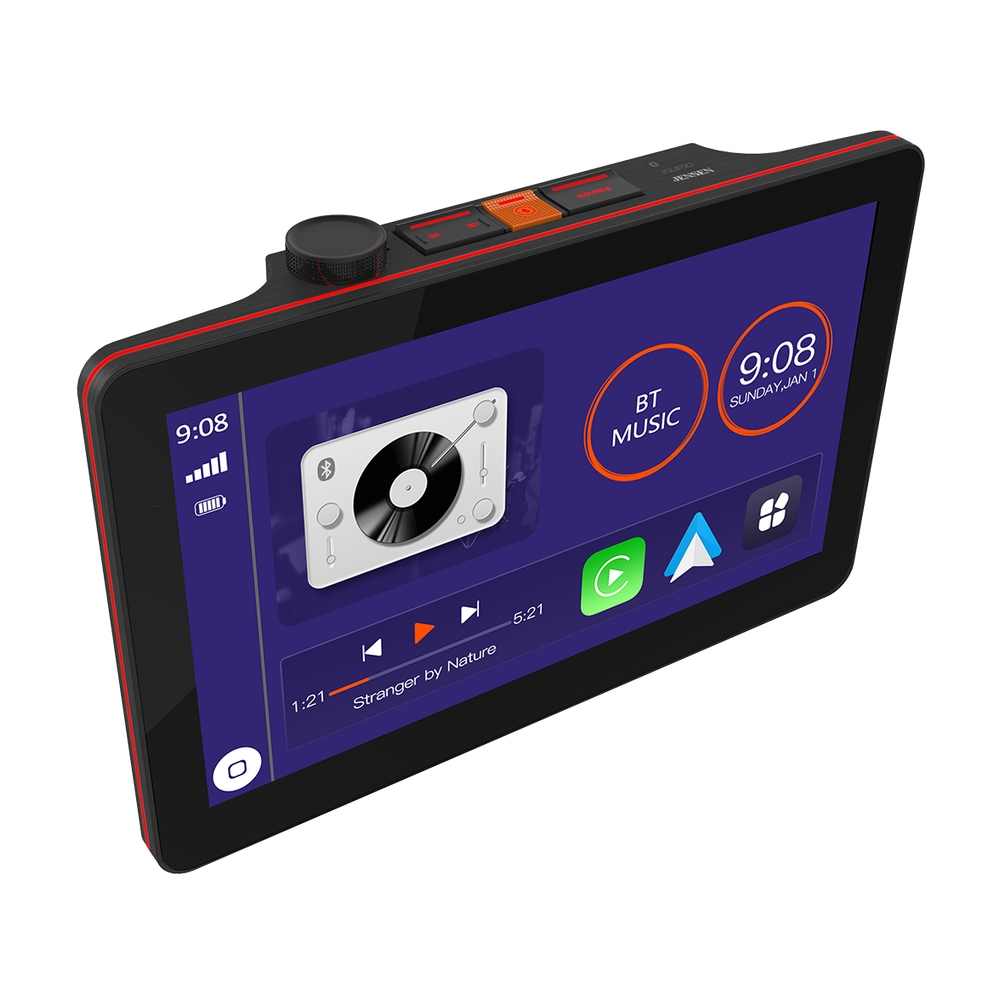
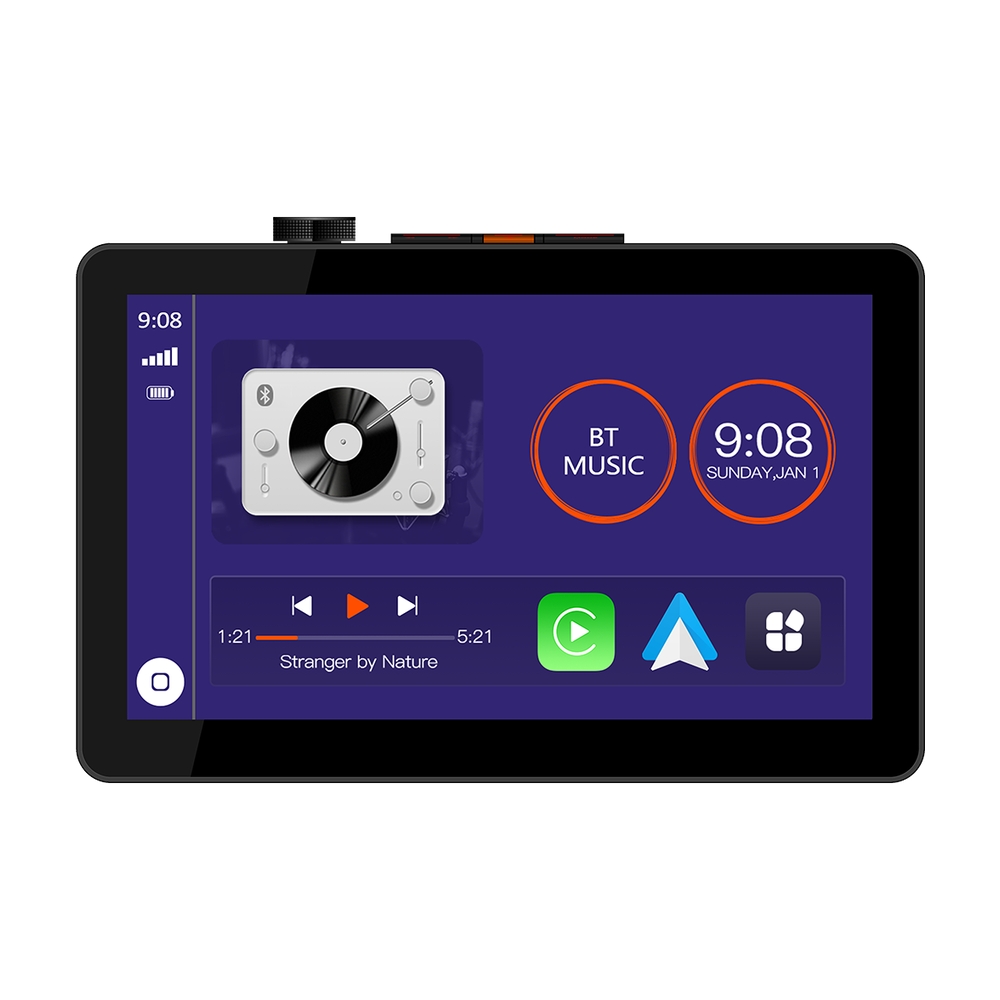
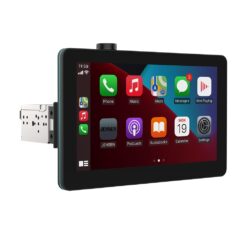
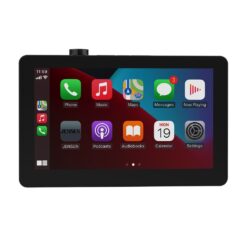
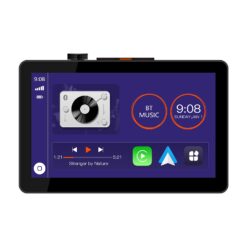
- 10.1″ Touchscreen media receiver
- Wireless Apple CarPlay and Android Auto
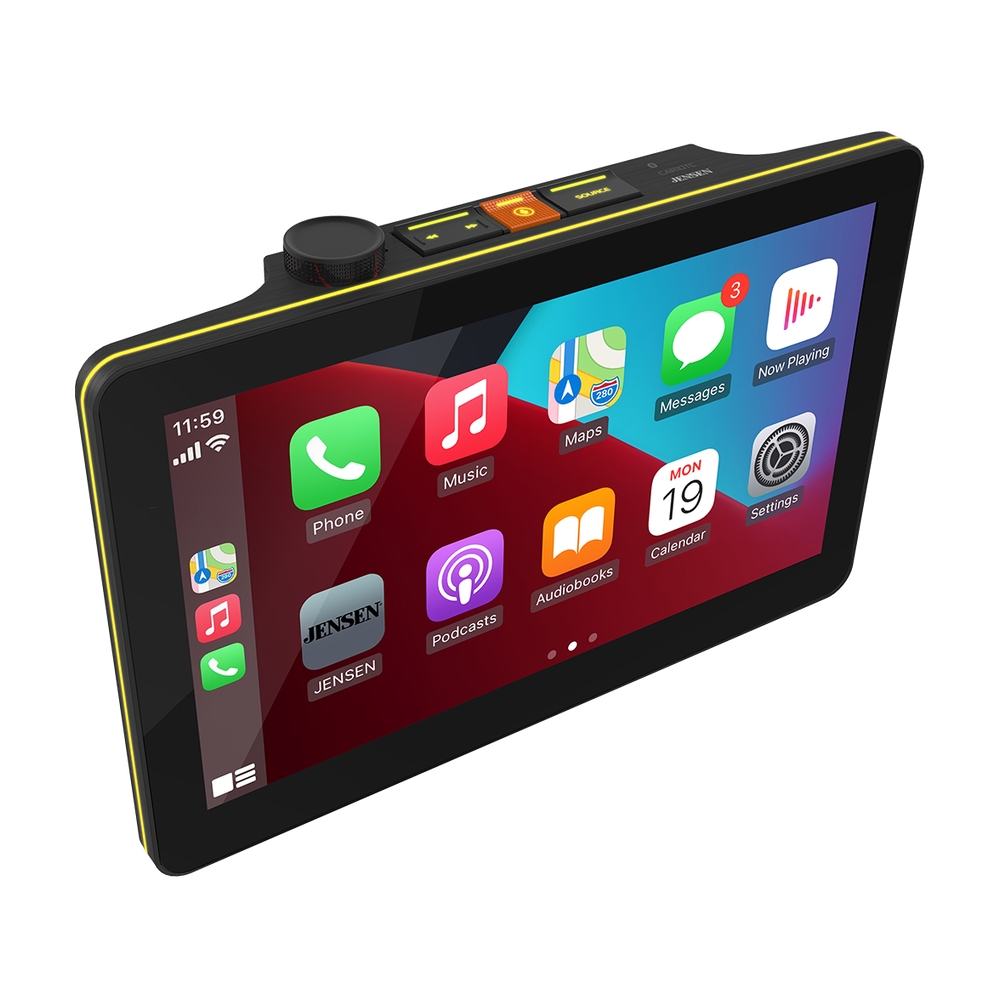
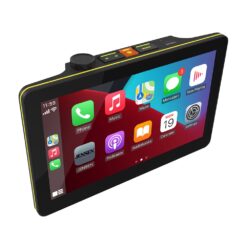
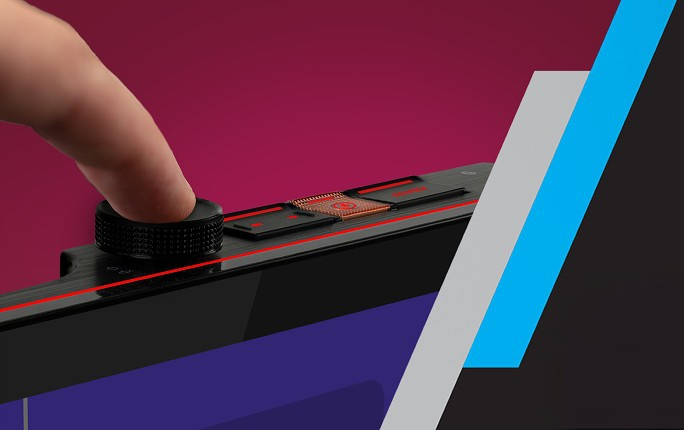
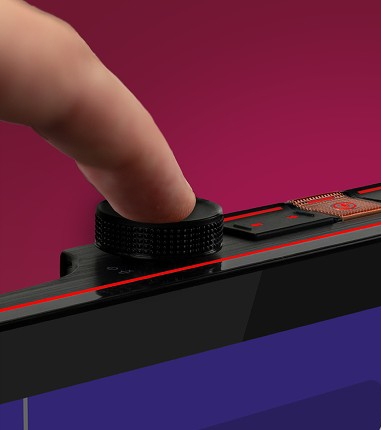
- Top-mounted tactile buttons and volume knob
- IllumiNITE RGB button illumination with 6 preset colors
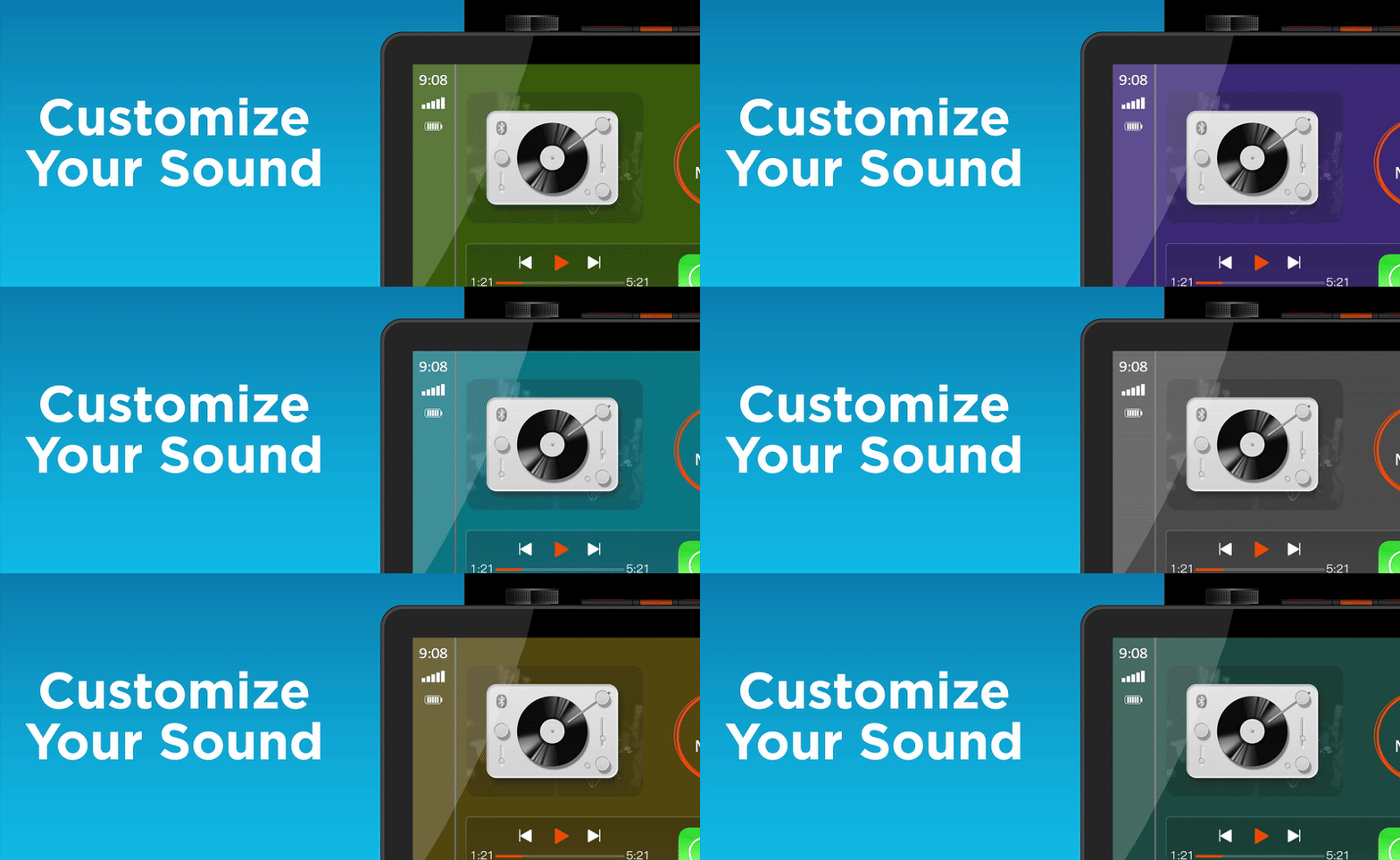
- Customizable background colors
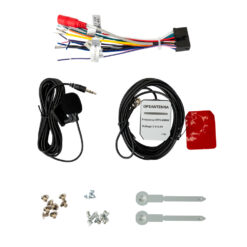
- Steering Wheel Control (SWC) compatibility
Experience innovation with top mounted buttons, customizable colors, and a streamlined display.
Gets Hands On with your music featuring tactile button control.
Enjoy sound you can feel!
Manage your volume, tracks, sources and voice assistant with dedicated
top-mount controls.
Select from 6 different preset colors to illuminate your buttons
to your preference.
With Apple CarPlay and Android Auto, seemlessly control key phone features directly from the receiver’s touchscreen or via voice-control, significantly reducing driver distraction.
With voice-control, you can ask your phone to control your messages, maps, music and phone.
Both Apple CarPlay and Android Auto launch upon connecting a compatible phone to the receiver wirelessly or via USB.
While Apple CarPlay and Android Auto, seemlessly control key phone features directly from the receiver’s touchscreen or via voice control, significantly reducing driver distraction.
With voice-control you can ask your phone to control your messages, maps, music and phone.
Both Apple CarPlay and Android Auto launch upon connecting a compatible phone to the receiver via wirelessly or USB.
CAR10TC Features
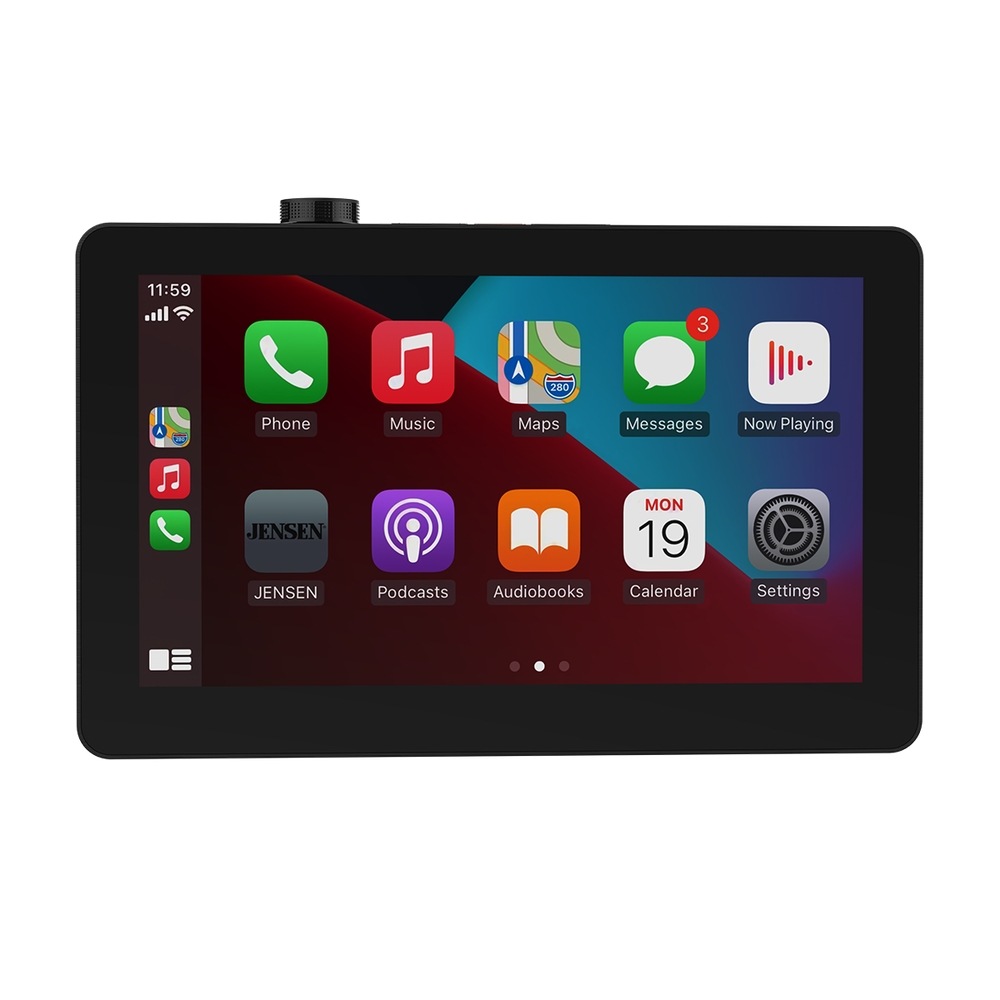
10.1″ Touchscreen
Your LCD high resolution touch screen provides a comfortable viewing experience and keeps all your favorite presets/apps within fingers reach!
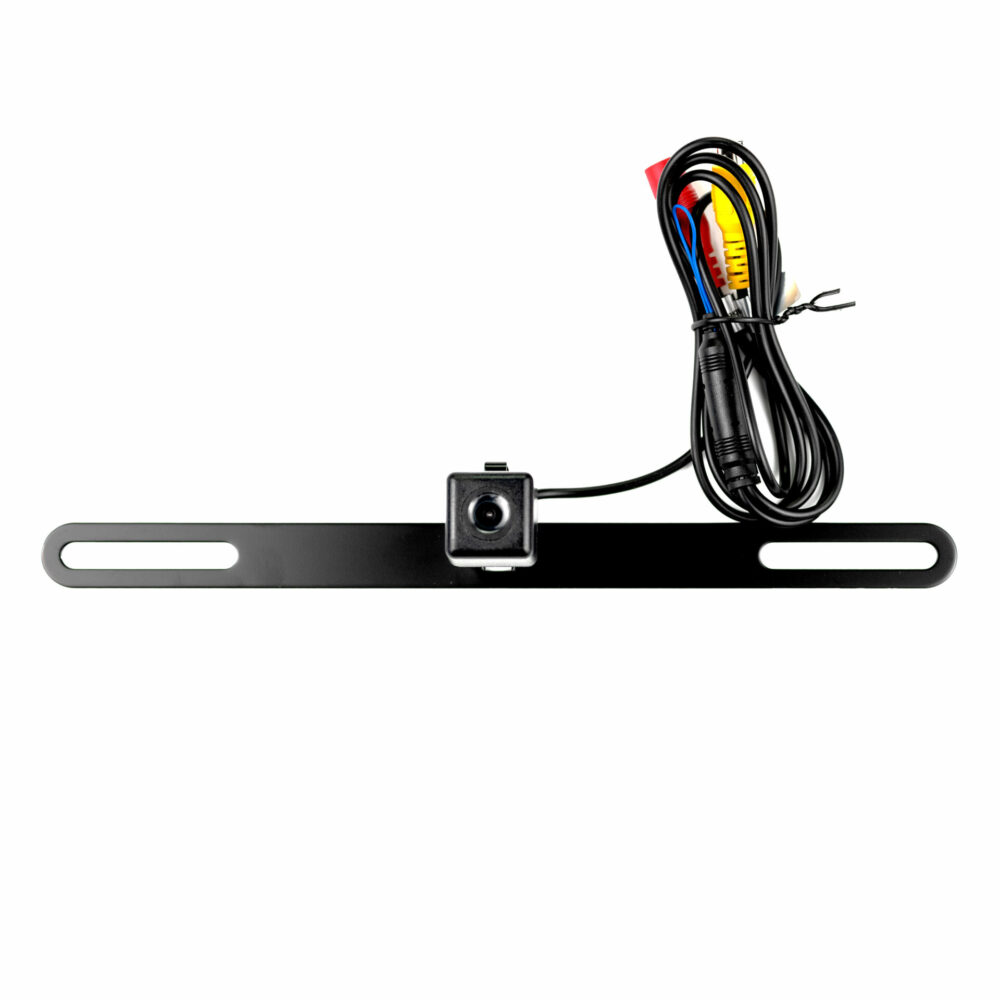
Backup Camera
You have the option to install a backup camera and connect it to your car receiver so you are always aware of your surroundings as you reverse.
Push-To-Talk Button
Communicates via your phone’s bluetooth connection to the radio. Interact with your smartphone’s assistant while you drive with only a push of a button.
8 Preset EQ Curves
The 8 preset EQ curves lets you tweak the audio settings to suit your listening preferences. Switch between Off, User, Jazz, HipHop, Pop, Rock, R&B and Classic.
The JENSEN CAR10TC is not just another media receiver; it’s a revolution in in-car entertainment. With its stunning 10.1″ touchscreen display and a crystal-clear resolution of 1280 x 720, every interaction becomes effortless and visually impressive. This state-of-the-art unit offers seamless integration with both Apple CarPlay and Android Auto, delivering wireless and wired options to suit your connectivity needs.
Designed with user convenience in mind, the CAR10TC features top-mounted tactile buttons and an intuitive volume knob, providing easy access to track, source, and voice assistant controls while keeping your eyes on the road. Illuminate your dashboard with style using IllumiNITE RGB button illumination, offering six preset colors to complement your vehicle’s interior. Customizable background colors add a personal touch to your setup, making every drive feel uniquely yours.
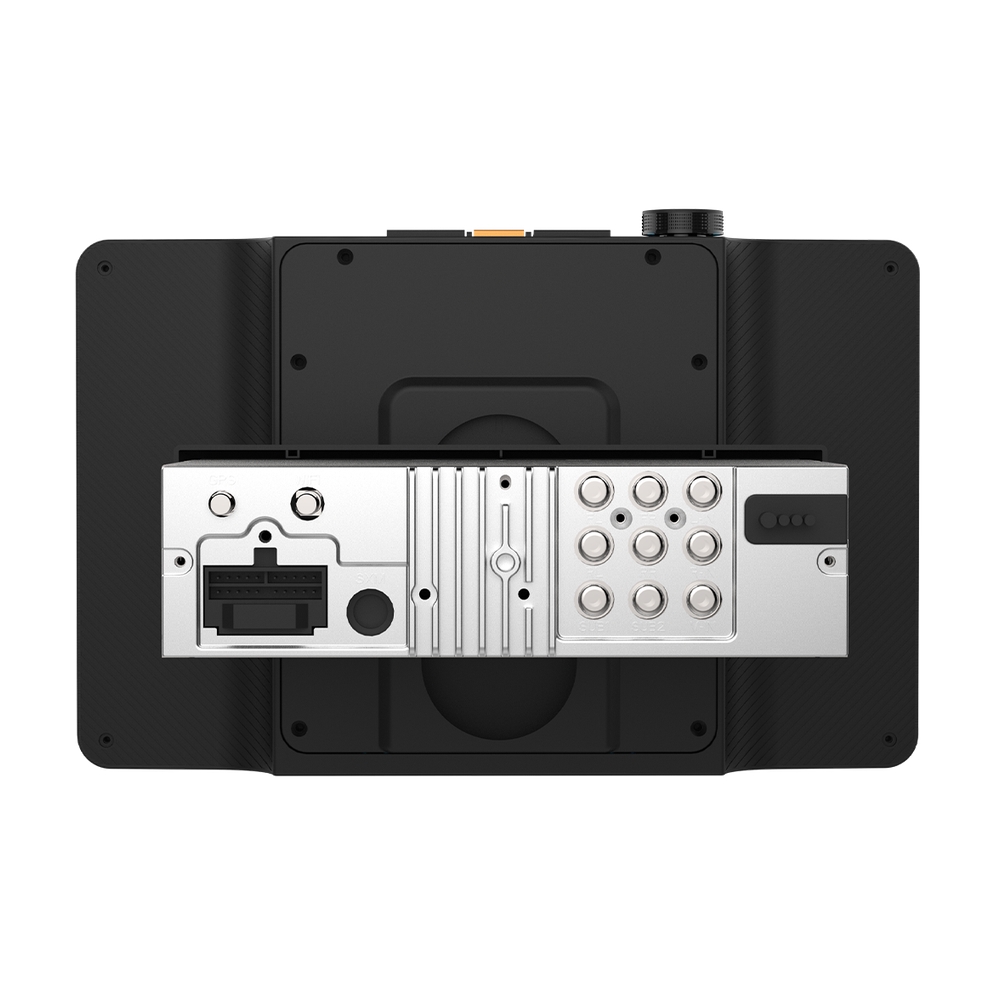
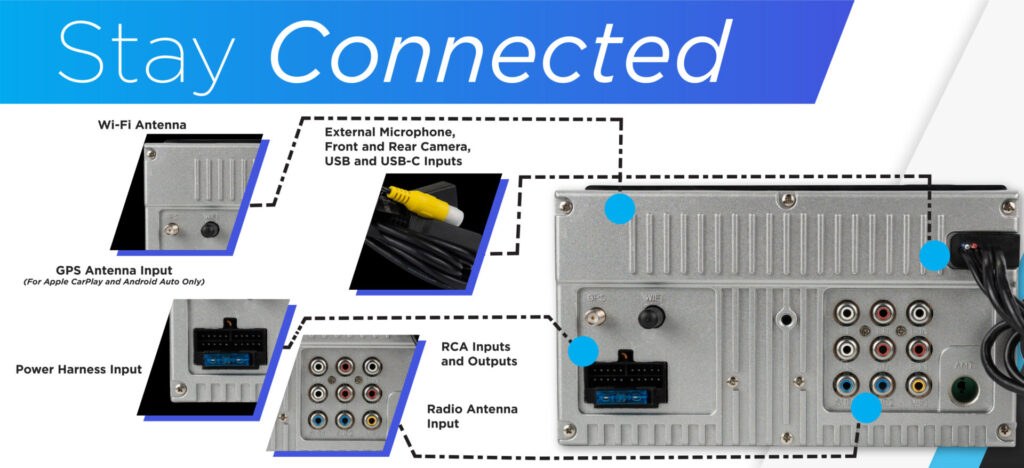
Whether you’re navigating, streaming music, or taking calls hands-free, the CAR10TC ensures an unmatched driving experience. With support for Bluetooth connectivity, you can enjoy high-quality audio streaming and phonebook integration. The media unit’s versatile inputs and outputs include dual USB inputs, front and rear camera inputs, and RCA A/V options, catering to all your multimedia needs. Additionally, with a peak output of 240 watts (60W x 4 MOSFET), you’ll experience a powerful audio performance that transforms your cabin into a concert hall.
Advanced audio processing features like a 10-band graphic EQ, subwoofer gain control, and 8 EQ presets ensure your sound is always optimized to your preferences. Forget CDs and DVDs—the digital media receiver supports modern file formats like FLAC, MP3, and JPEG for a more streamlined entertainment experience.
The JENSEN CAR10TC is more than a media receiver; it’s your trusted companion for every journey. With cutting-edge technology and a sleek design, it’s the ultimate upgrade for any car enthusiast seeking innovation, quality, and performance.
| Feature | Description |
|---|---|
| Display | 10.1″ touchscreen (1280 x 720) |
| Phone Connectivity | Supports wired and wireless Apple CarPlay and Android Auto |
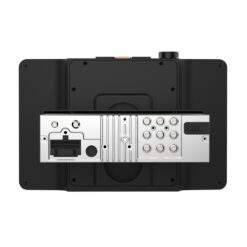
| Inputs | 2 USB inputs, front/rear camera inputs, RCA A/V input |
| Output | 240W Peak Power (60W x 4 MOSFET) |
| Audio Processing | 10-band graphic EQ, subwoofer gain control, 8 EQ presets |

| Playback | Digital Multimedia |
|---|---|
| Screen Size | 10.1" |
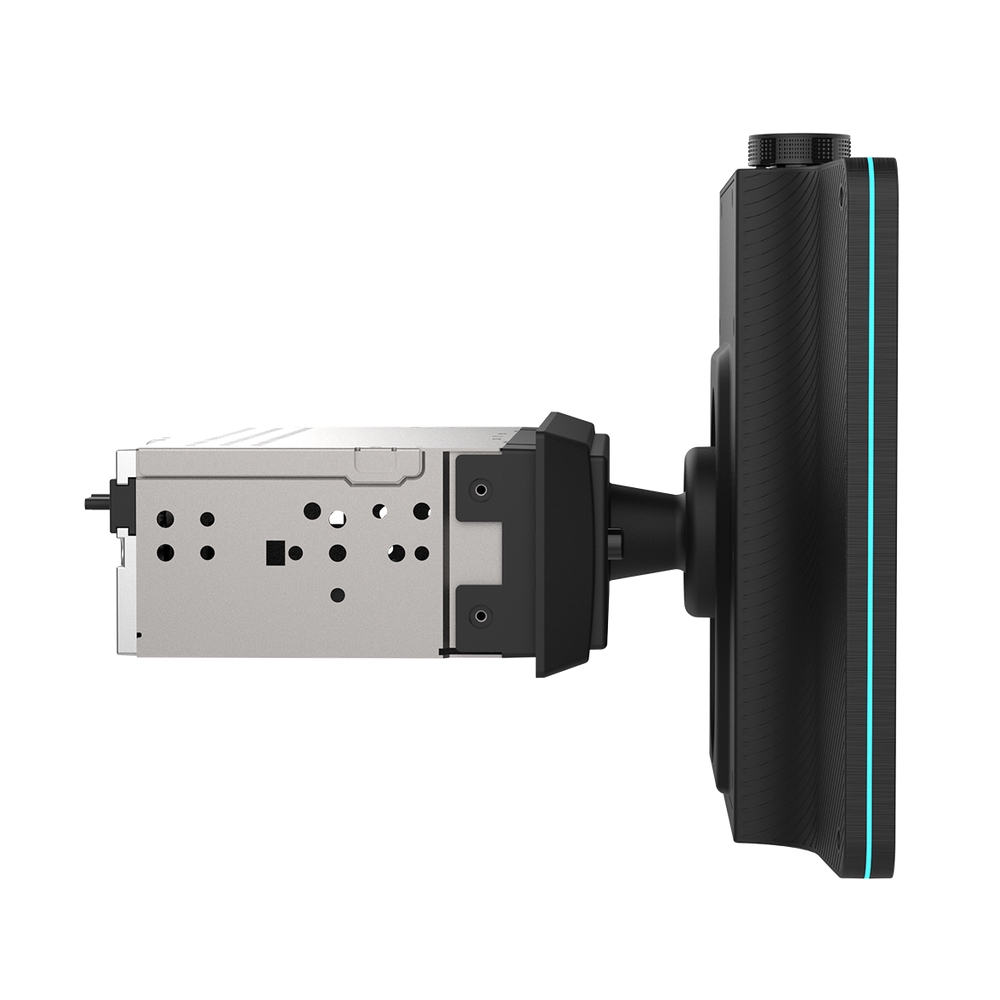
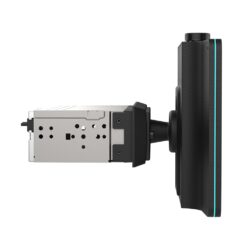
| Size | Double Din |
| Peak Power | 240W (60W x 4) MOSFET |
| Phone Connectivity | Android Auto, Android Auto Wireless, Bluetooth, CarPlay, CarPlay Wireless |
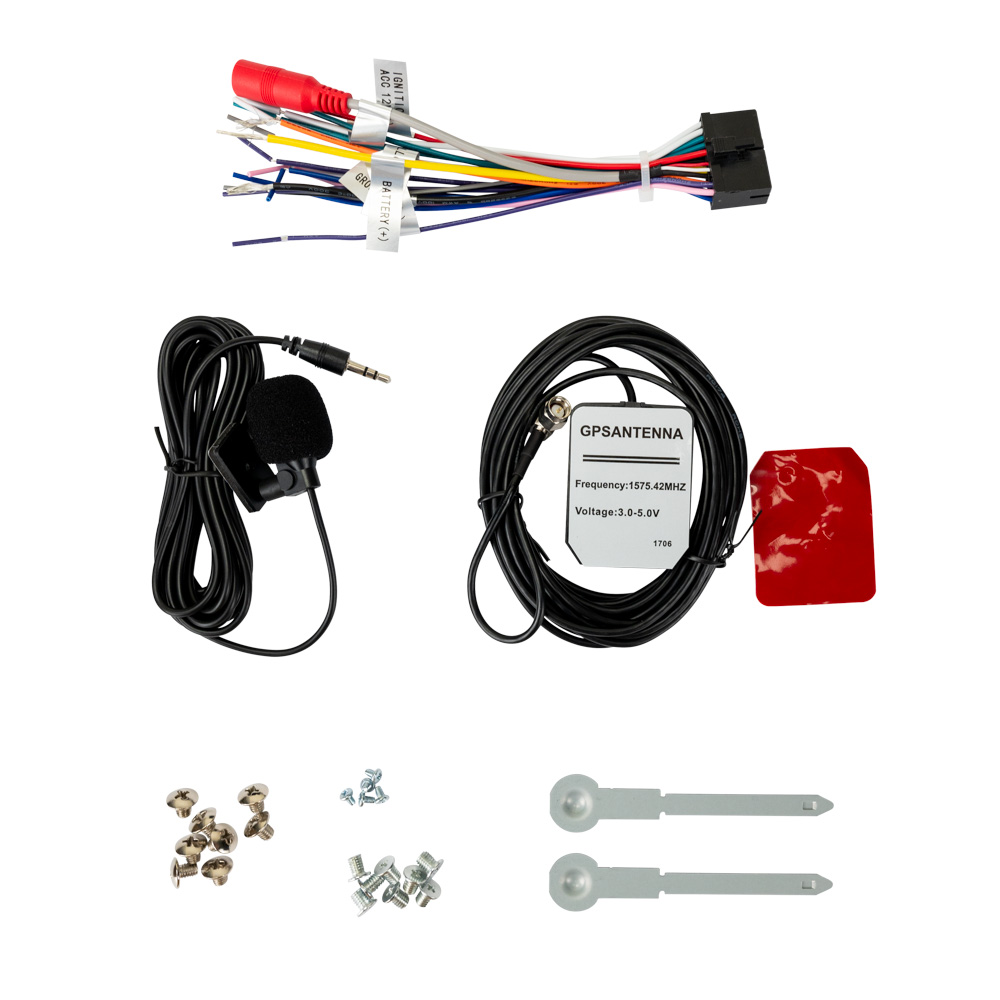
| Bluetooth Features | Audio Streaming, External Microphone, Hands-free Calling, Phonebook Support, Voice Activation Button |
| Inputs | Audio / Video (Rear), Front and Rear Camera Inputs, USB x 2 (Rear) |
| USB Charge | 2.1A |
| File Playback | FLAC, JPEG, MP3 |
| Preamp Outputs | 3 Pairs of 4V Preamp Outputs (Front + Rear + Sub) |


| Audio Processing | 8 EQ Presets, 10 Band EQ |

| Illumination | 6 Preset Colors, RGB Customizable |
| Steering Wheel Control Compatible | Yes – Adapter Required |
| AM/FM Receiver | 30 Station presets (18FM/12AM), RDS |
Firmware Update Instructions
A Note about Firmware Update via USB Devices
We recommend following the guidelines below for your USB drive:
- Use an 8GB or 16GB USB drive from a common USB drive manufacturer.
- Some recommended brands include:
- SanDisk®
- Kingston®
- PNY®
- Verbatim®
- Corsair®
- The drive should support USB 2.0 or faster transfer speeds. Older version USB 1.0 drives are not compatible.
- Format the drive using FAT32 as the file system on your laptop or computer before copying the software update to the USB drive.
This update addresses the following:
- Corrects Radios Station Saving after using Auto Store
Note: Software is not interchangeable between models. Please do not attempt this update on any model other than the CAR10TC.
How to Update:
- Download the firmware file from the link below.
- Unzip the downloaded file. Note: To unzip the file, the program WINRAR is required and can be downloaded from this link: WINRAR Download
- Copy the
ISPBOOOT.BINfile and the Update Folder to an empty USB Thumb Drive formatted to FAT32. - Insert the USB Thumb Drive with Update Firmware into the CAR10TC Android Auto/Apple CarPlay Port Only.
- Navigate to Settings and scroll till you get to the About button on the left side of the menu.
- Press the About button and you will see on the right-hand side Software Update.
- Press Software Update and you will see the Update button. Press Update to begin the firmware upgrade.
- This is a two-part update. After the first update is complete, the radio's screen will turn black for 10 seconds and then the second part will start automatically. Once finished, the radio will restart.
- Remove the USB stick, the update is now complete.
Download Firmware Zipped File: CAR10TC Firmware Download
To check that the update was done correctly, go to Settings and press Others and then press System Version. If you see the following information, the update was done correctly for model CAR10TC.
-MCU: GD96-251027
-SOC: CAR10TC-20251118
-Hardware Version: 2.0.3
-Software Version: 2.0.3
-SDK Version: 22.0.13.0.0.0.4.0