A Note about Firmware Update via microSD Card
We recommend following the guidelines below for your microSD card:
- Use a 4GB or 8GB microSD card ONLY.
- Do not use a 16GB or larger capacity card. Using a larger card can corrupt the update process and cause the radio to load into a Windows screen.
- Format the microSD card using FAT32 as the file system before starting the update procedure.
VX4014 Update
Download the file: VX4014-FW-03142019.zip
Preparing the microSD card
- Unzip/Uncompress the software update folder.
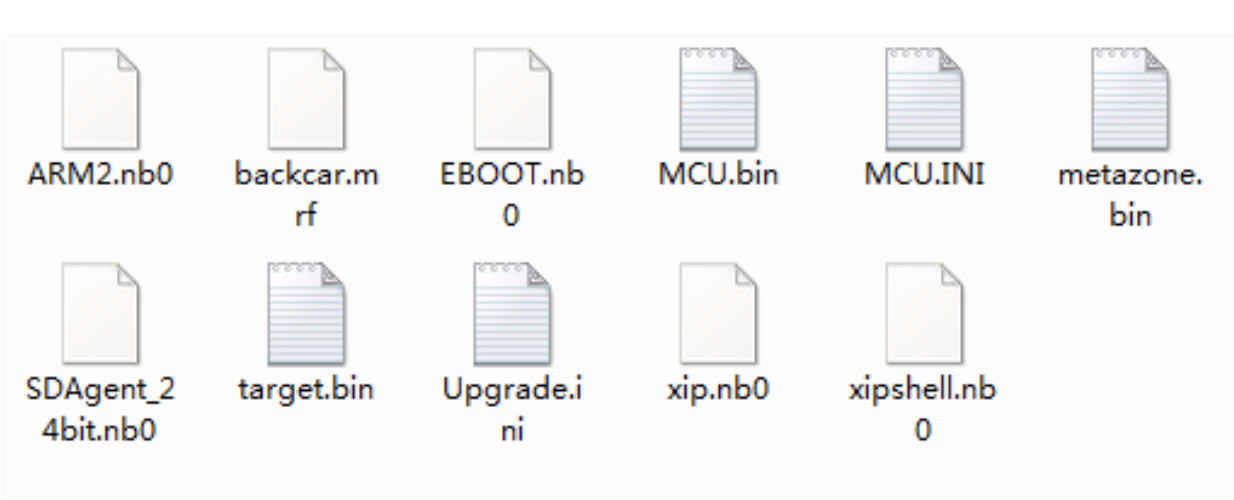
- Place the update files into the ROOT directory of a blank, formatted microSD card.
- There should be no folders or files on the microSD card except the files contained within the update files. See below image for reference.

Beginning the Update
Note: When updating the unit, make certain that power is not interrupted while the update is in progress. If power is lost or interrupted the unit may become inoperable.
- Turn OFF power of the head unit via the key for 15 seconds.
- Insert the microSD Card with the copied software.
- Power ON the head unit.
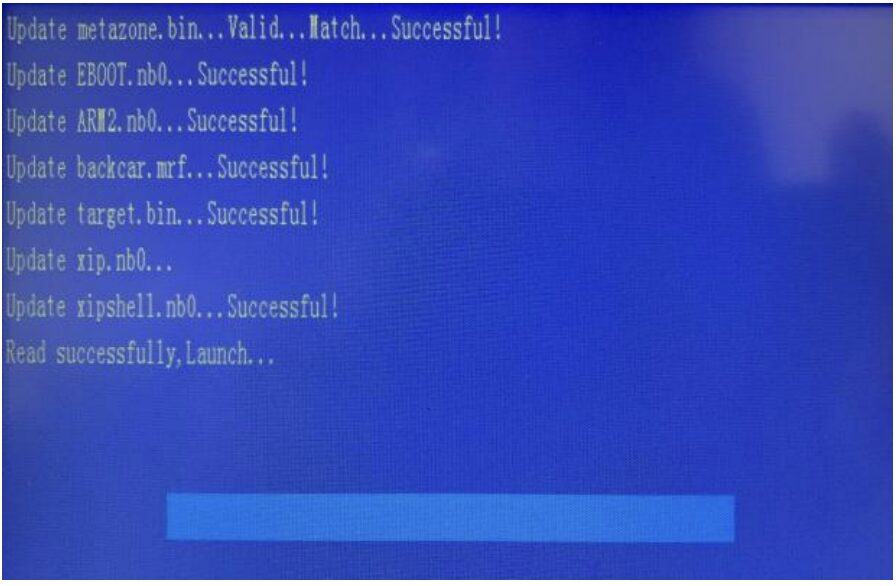
- The update process will begin automatically. Wait approximately 1 minute for files to load and status bar to complete.

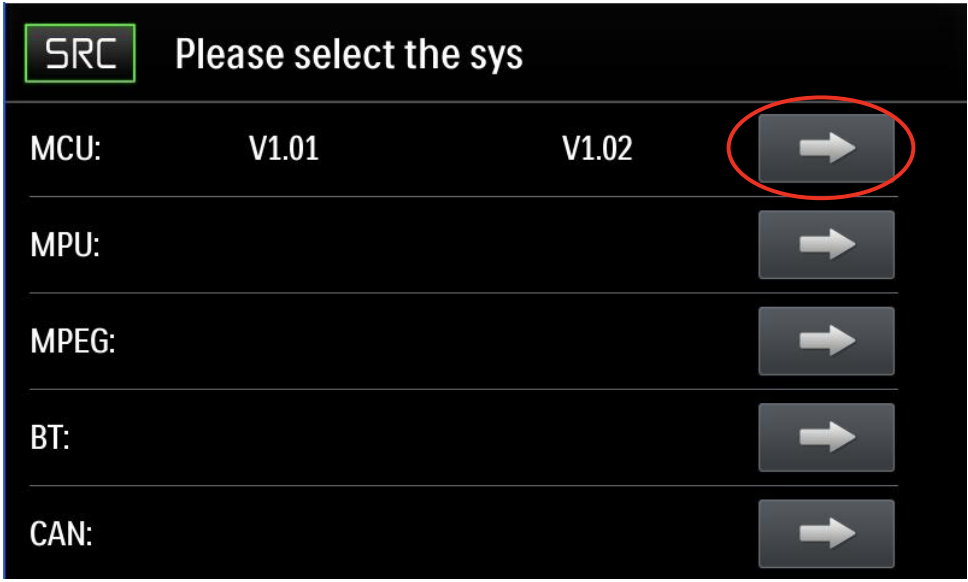
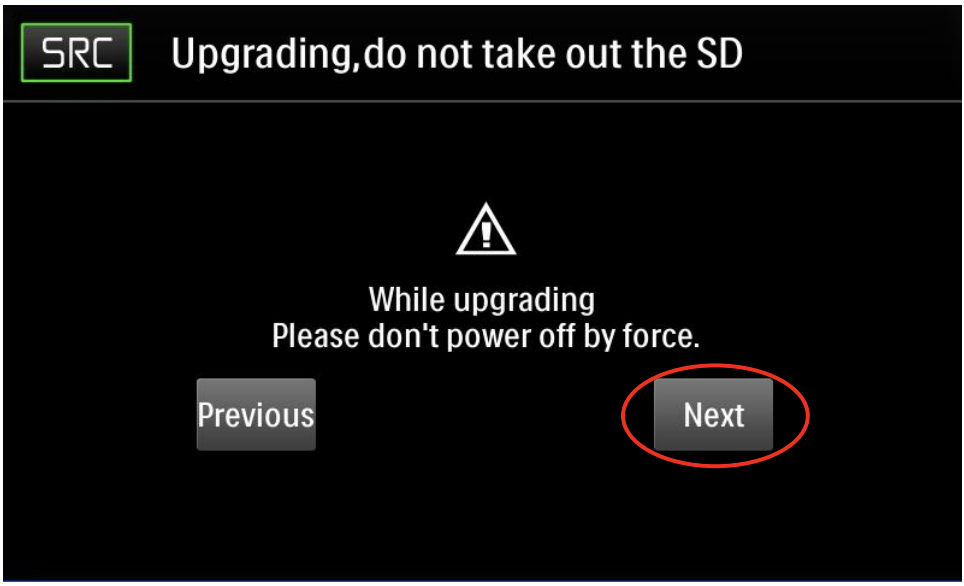
STEP 2
- Tap the MCU ARROW button.

- Tap NEXT.

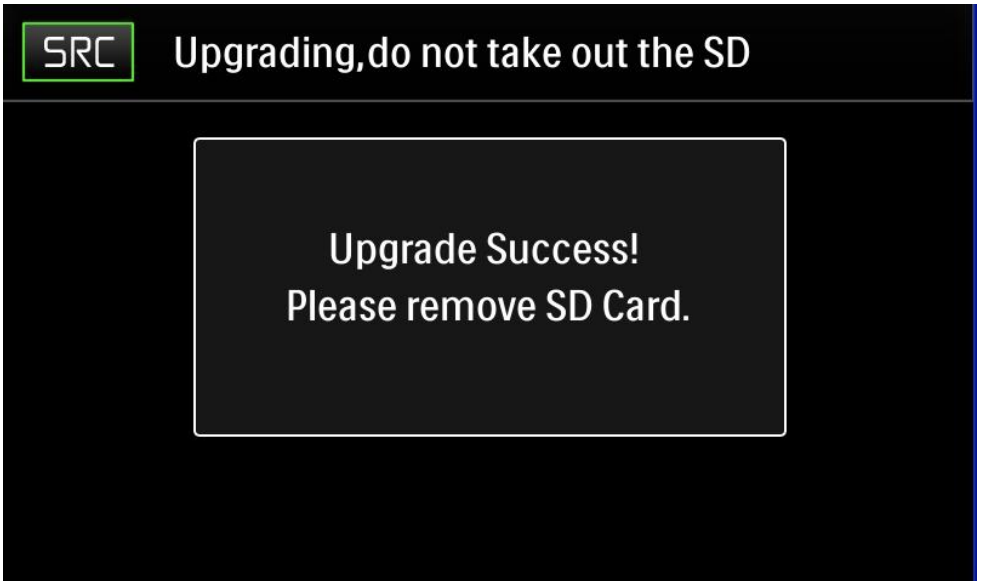
- Update is now complete, please remove the SD Card.

Software Version Verification
Go to the Settings Menu > Version to check the version installed and ensure the update was successful with the following parameters:
-MCU: v1.90 Nov 01 2018
-MPEG: 01384200
-SERV: e2010117
-BT: 8.4
-MPU: 1.0.05 00 2018-1-30
-OS: v2.10-180502
-Firmware: 1.0.1
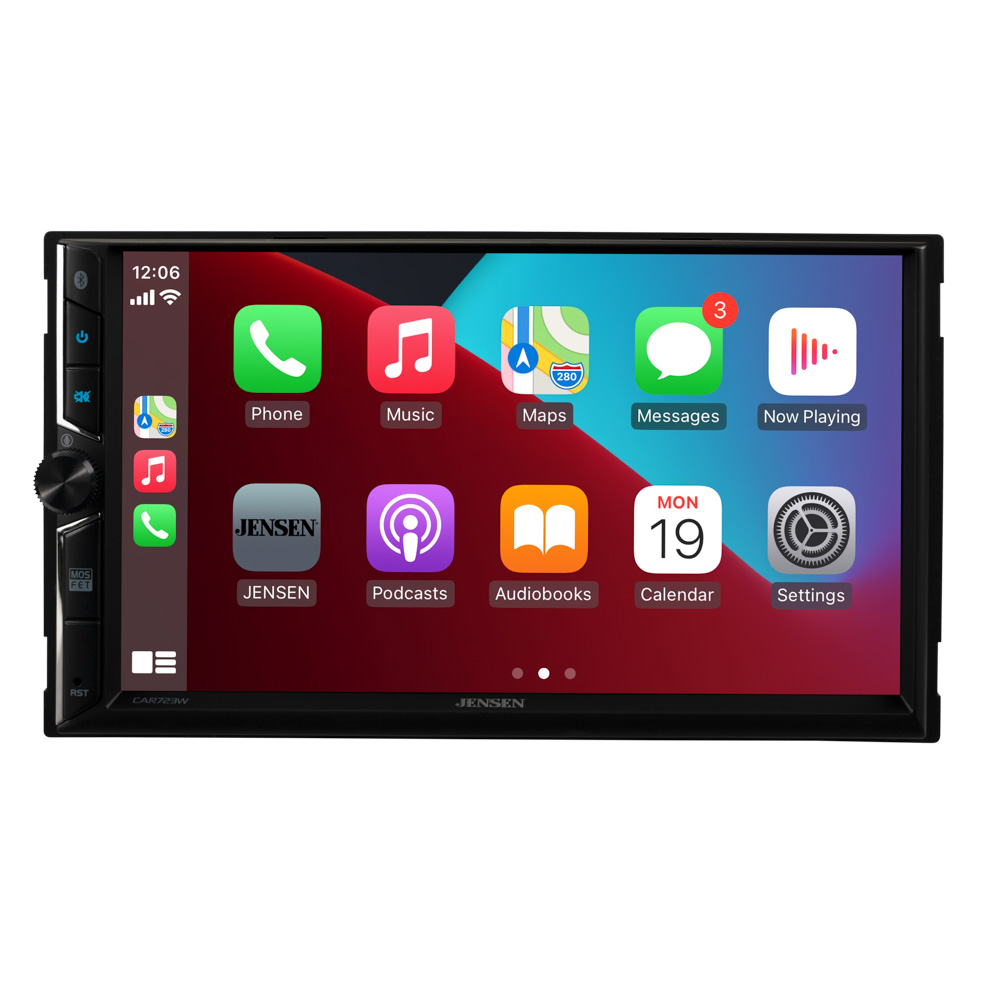
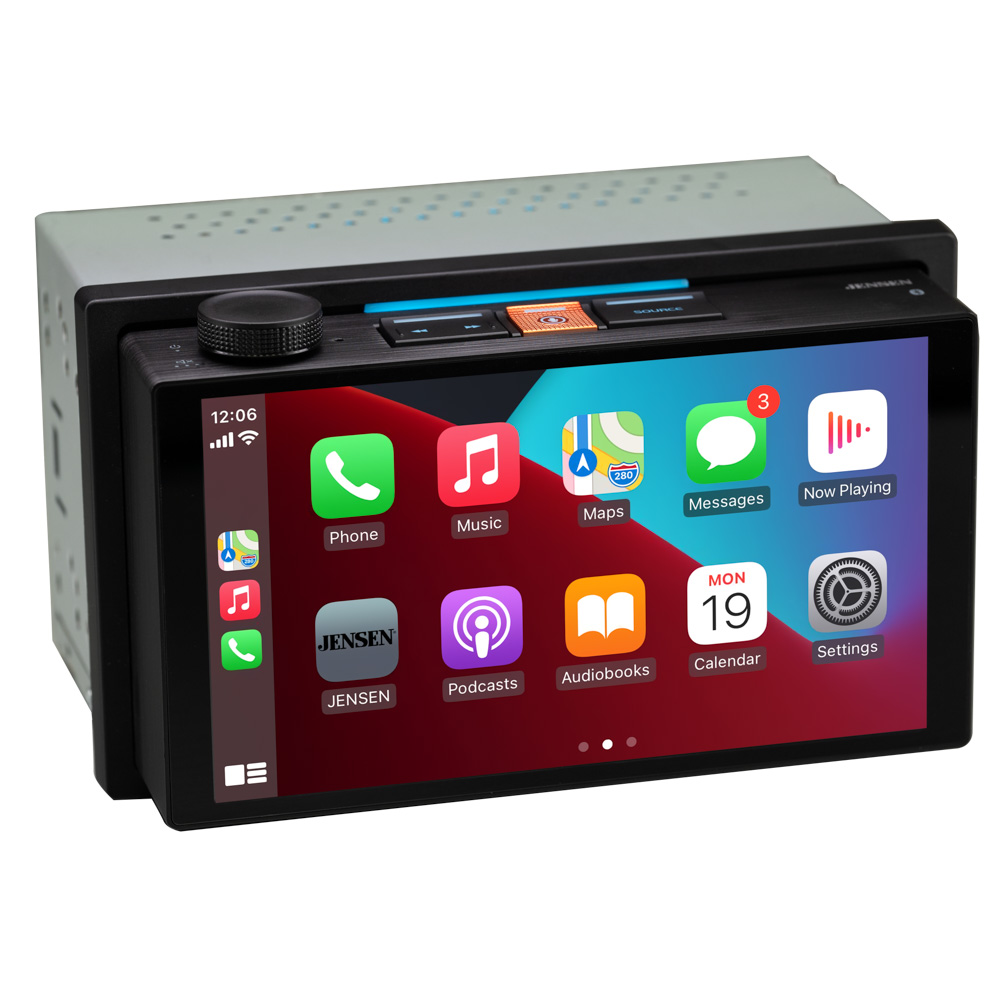
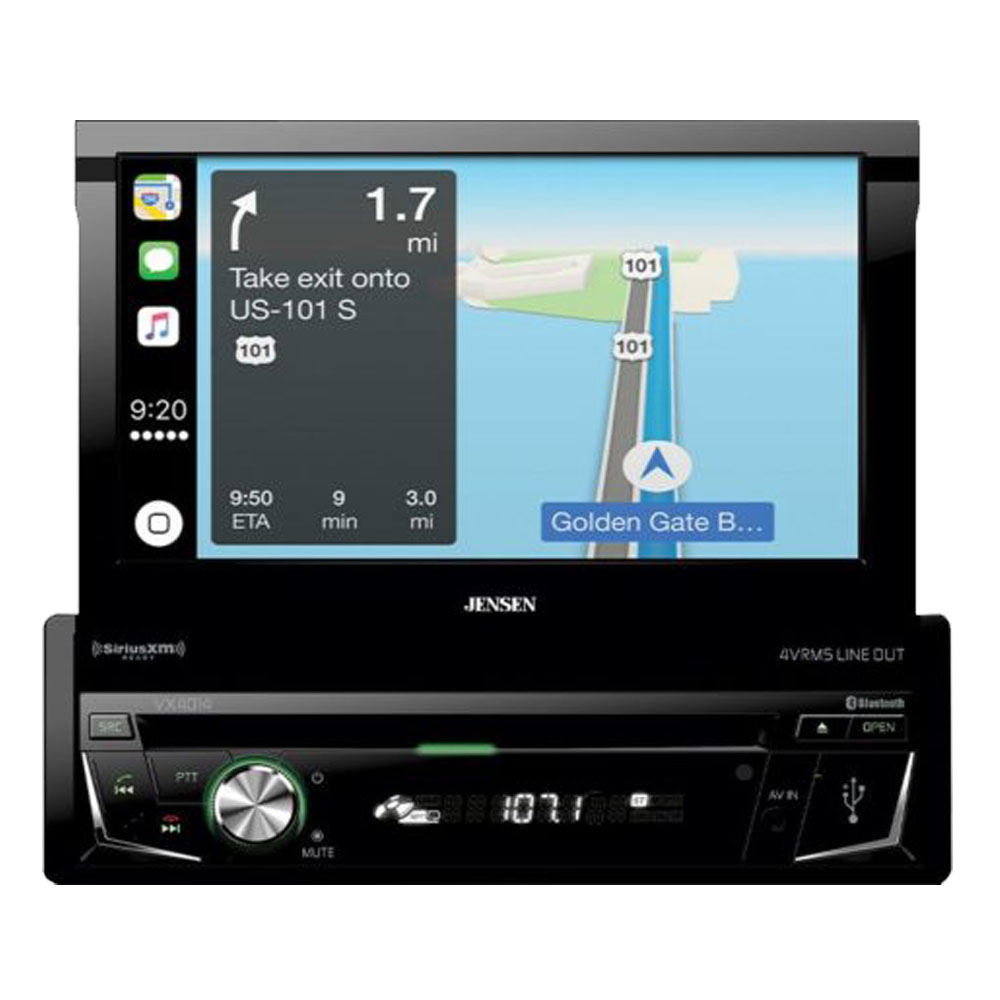
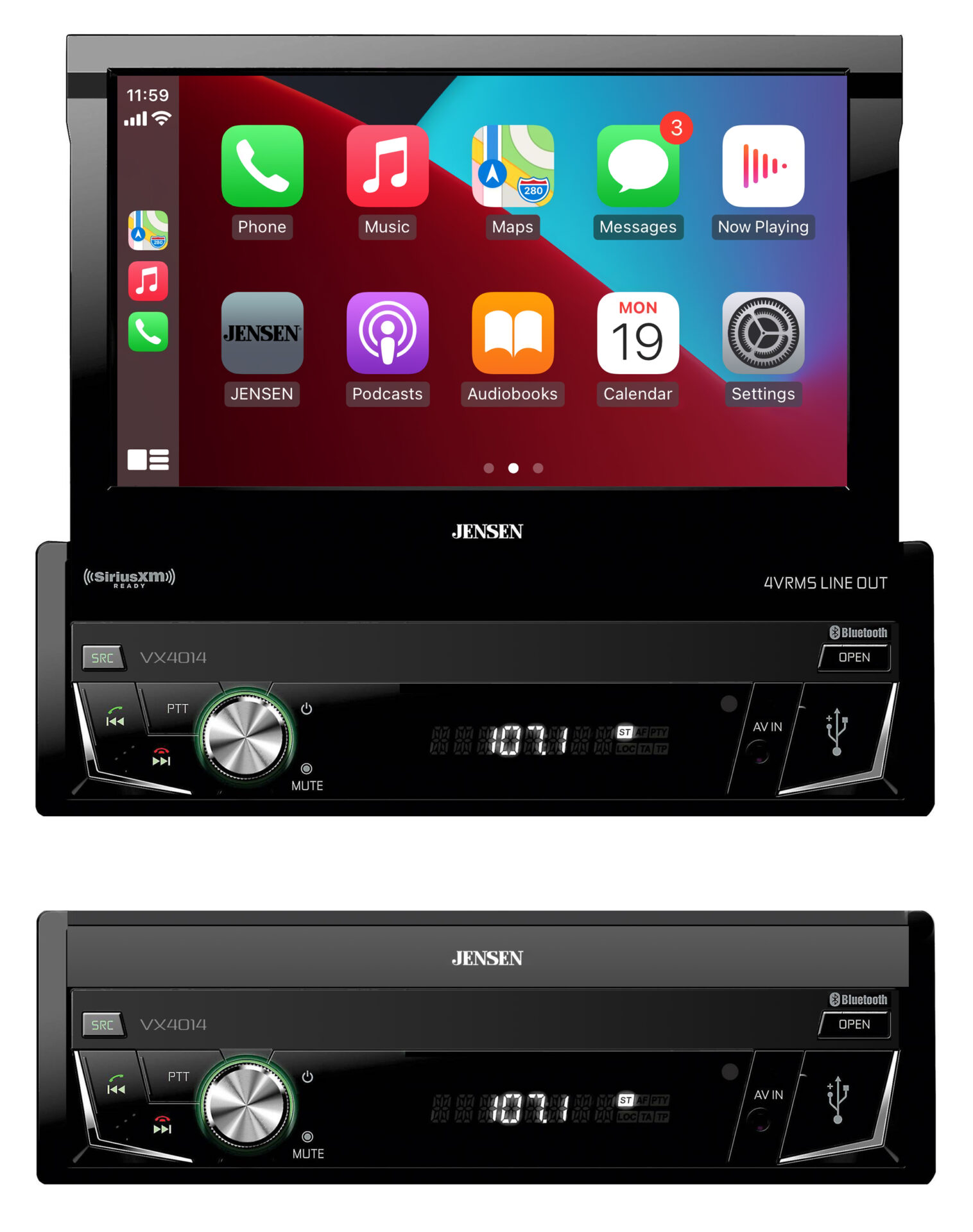
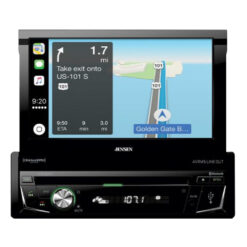
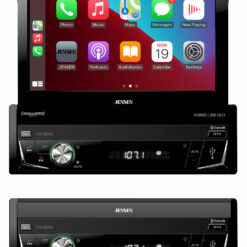
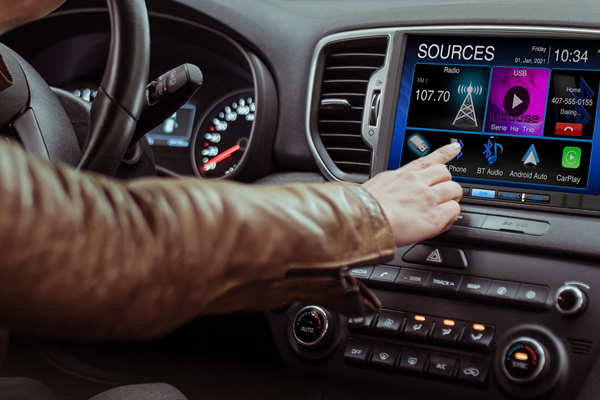
Siri has become your personal assistant. Apple CarPlay™ is a smart interface for iPhone, allowing you to voice-control (via Siri) music, navigation, phone and messaging apps, which will significantly, reduce driver distraction.
With the VX4014 CarPlay car stereo you will be able to:
Use Siri to make calls, return missed calls, listen to voicemail messages, and view the caller ID on the receiver's screen
Ask Siri to send, read, and reply to text messages. This hands free operation minimizes distraction and allows you to keep hands on the wheel and eyes on the road
Access music by artist, song, playlist, and more through the receiver's touchscreen or via Siri. The receiver will mirror the iPhone's screen with artist and track information. Apple CarPlay also supports audio from other music and podcasting apps
Use Siri to request turn-by-turn directions, search by address or by points of interest. Apple Maps will be mirrored on the receiver's screen, including traffic information and estimated time to destination.
Its Bluetooth Wireless Technology will easily pair with the vast majority of Bluetooth devices allowing you to make and receive calls Hands Free. The Apple CarPlay built-in technology makes Siri your personal assistance by answering/responding to calls & text messages while providing assistance with music and turn-by-turn navigation.
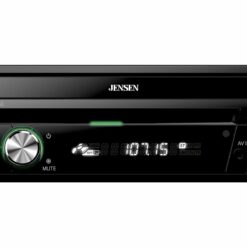
You also have a variety of options to listen to your favorite music which includes: USB port which also charges your device, MP3 Player with WMA capabilities, AM/FM Receiver with 30 Station Presets, 10 Band EQs turning your car into the ultimate entertainment destination.
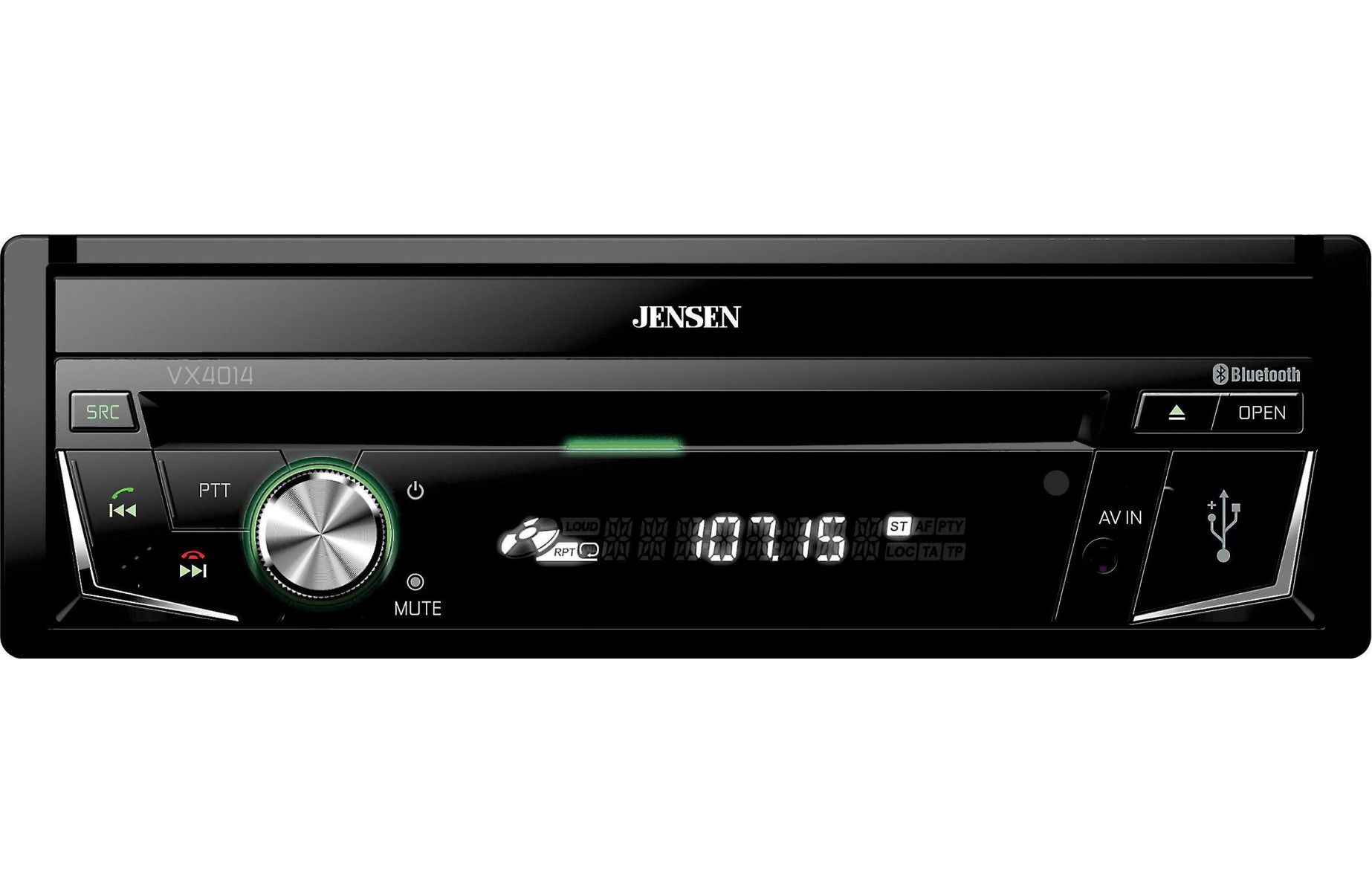
- 7-inch high resolution touch screen (800x480) WVGA
- Works with AppleCarPlay™
- Built-in Bluetooth - HFP, A2DP, AVRCP and PBAP profiles
- RGB Color Customization
- SiriusXM™ ready - Additional hardware and subscription required. Each sold separately
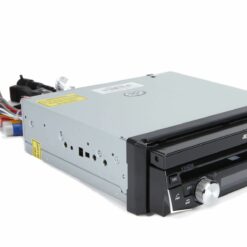
- microSD Card Input
- 2.1 Amp USB charging capability
- Control for Pandora App (via USB connected to iPhone)
- 4VRMS Preamp Outputs (F/R/S)
- Front Panel USB - Play-back Music / Video files via Portable Hard Drives / USB Sticks
- Screen Mirroring - Allows you to connect your smartphone and mirror its contents onto the larger TFT display
- Steering Wheel Control Interface - Compatible with PAC / Metra Third-party SWC Interface Modules (Sold Separately)
- 160 Watts Peak Power (40 Watts x 4)
- Front Panel 3.5mm Audio / Video Input
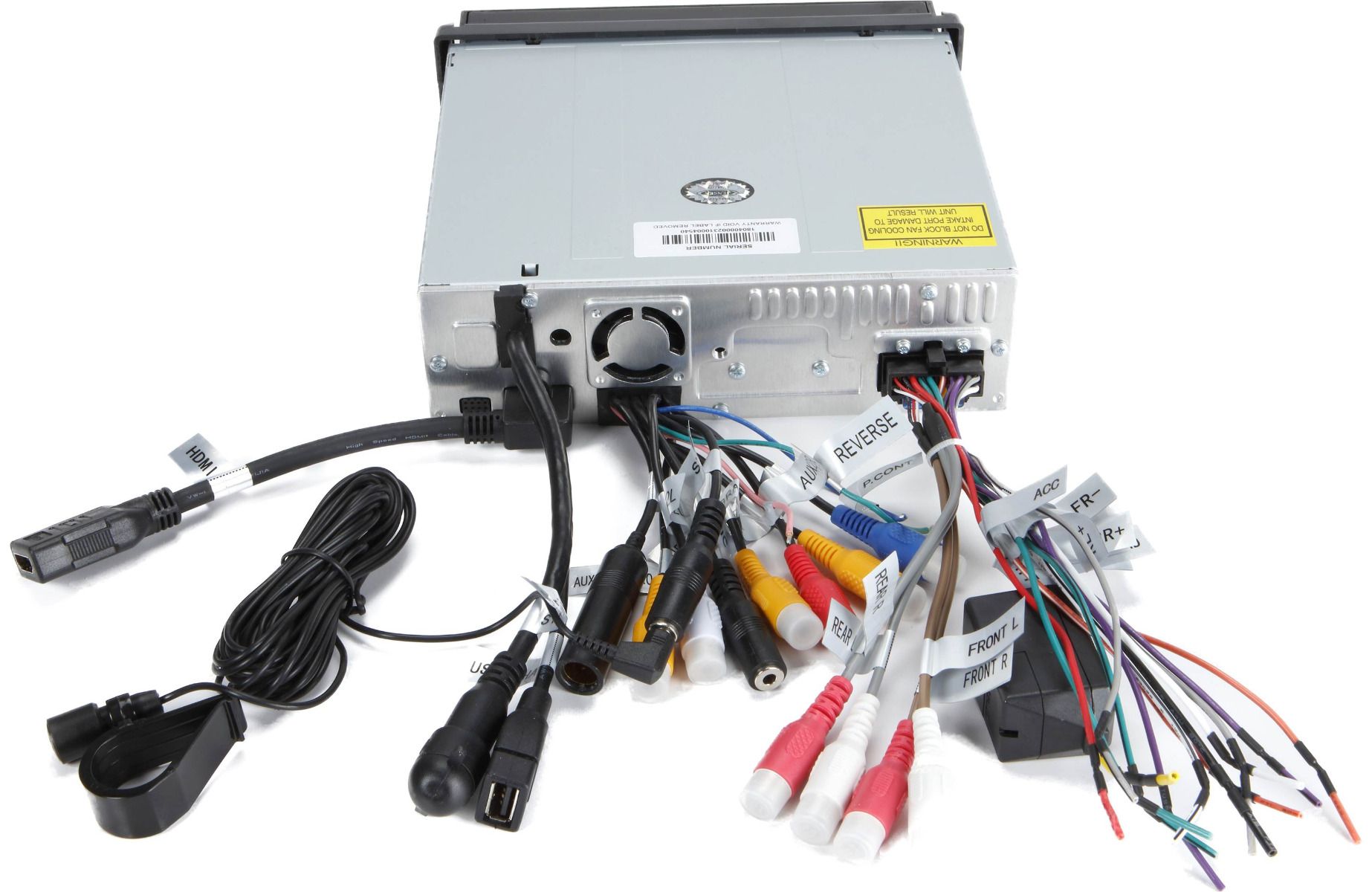
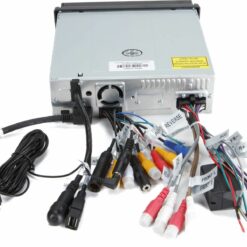
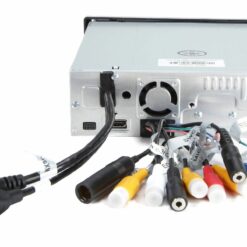
- Backup Camera Input (RCA)
- A/V RCA Inputs (rear)
- AM/FM RDS Tuner
- Rear RCA Video Output
- 3-Band Parametric EQ with 8 Selectable EQ Presets (7 Preset, 1 User)